Friday, January 23, 2009

Perth Markets this weekend! Australia day weekend!

Ok, someone told me off for not selling myself enough and telling people I’ll be drawing caricatures this weekend at the big launch of the Perth Markets.

For more  info on the event see the official web site at www.theperthmarkets.com.au

I’ll be there Saturday, Sunday and Monday from 8.30am to 5pm or there abouts. I’m hoping I make the whole weekend but that’s a lot of hours and hopefully a lot of drawing. Come along and check it out, should be a lot of fun. I’ll post some pictures afterwards and if it’s a big success I might make it a regular thing.

Hope to see you there!!

Friday, January 16, 2009

Letter Conservation

I’ve done a bit of a Google search on letter conservation and couldn’t really find anything other than letters about conservation.

Anyway, it’s time I blogged a theory I’ve been working on for a number of years now. I’ve shared it with a number of people as it’s matured and I think now it’s ready for the big screen. So here we go… I hope I can get it all down accurately here, and for that purpose I won’t be conserving any letters.

The basis of this theory is that, we, as humans, are allotted a finite number of letters for which to use while we are here in this life. To think that we have an unlimited or infinite number of letters to use is a ridiculous thought. These things have to come from somewhere, one can’t just create matter from nothing you know, its a basic law of the universe.

Have you ever met someone who mumble or slur so much that you can hardly understand them? Chances are they have either wasted their allotment of letters, or they were allocated a small number of letters to begin with. Either way, they no longer have the letters left in their letter cache (for want of a better word) to enable proper speech. If you plan on living a long time, and lets face it, the marvels of medicine these days have increased our expected life spans considerably, then you should take some steps now to prevent running out prematurely. I’ve been working on some tips and tricks that should help you conserve letters.

One little trick I like to use, is to switch common letters with uncommon letters that sound similar. If done right no one will even notice. For example when I say the word ‘Cat’, I tend to use a K instead of a C and say ‘Kat’. No one will notice your small deception (you can laugh at them in their ignorance too, another fun side game) and you will save your C’s and use up some spare K’s.

There are a large number of words that use silent letters. Whoever designed this language English certainly didn’t think about letter conservation. This blatant waste of letters highlights how old English is. People back then did not have access to the marvels of modern medicine and had bigger issues to worry about (like, being burnt at the stake for being a witch, for example). Running out of letters didn’t even occur to them back then. So whenever you say a word that has silent letters, you can just drop them out and no one will notice.

Another common waste of letters is those verbose words that use two letters to make a single sound. Ph to make an F sound is one example. Do what I suggested with the C, and use an F instead of ph. You’ll thank me one day. (Or at least be able to thank me should we one day meet.)

So that’s a bit of an overview of my theory of letter conservation. I’m going to see if I can dig out some of my notes I’ve made on the subject and see how it’s changed over the years. Might make a follow up post in the future if I have any letters left.

Monday, December 08, 2008

cameron-reilly


cameron-reilly
Originally uploaded by Lyynx
Went to the Australian Cartoonist Association Christmas BBQ on Sunday and got all inspired by the guys there. What with Jason Chatfield moving to Melbourne it would seem that he left a gaping hole in the live caricature space.

So I've decided to spend some time practicing with my caricatures and maybe early next year I'll try my hand doing a few corporate gigs. You never know where it might lead...

So here's a caricature I did tonight of Cameron Reilly. I had the pleasure of finally meeting Cameron last week while I was in Brisbane. Hope you like it!

Friday, December 05, 2008

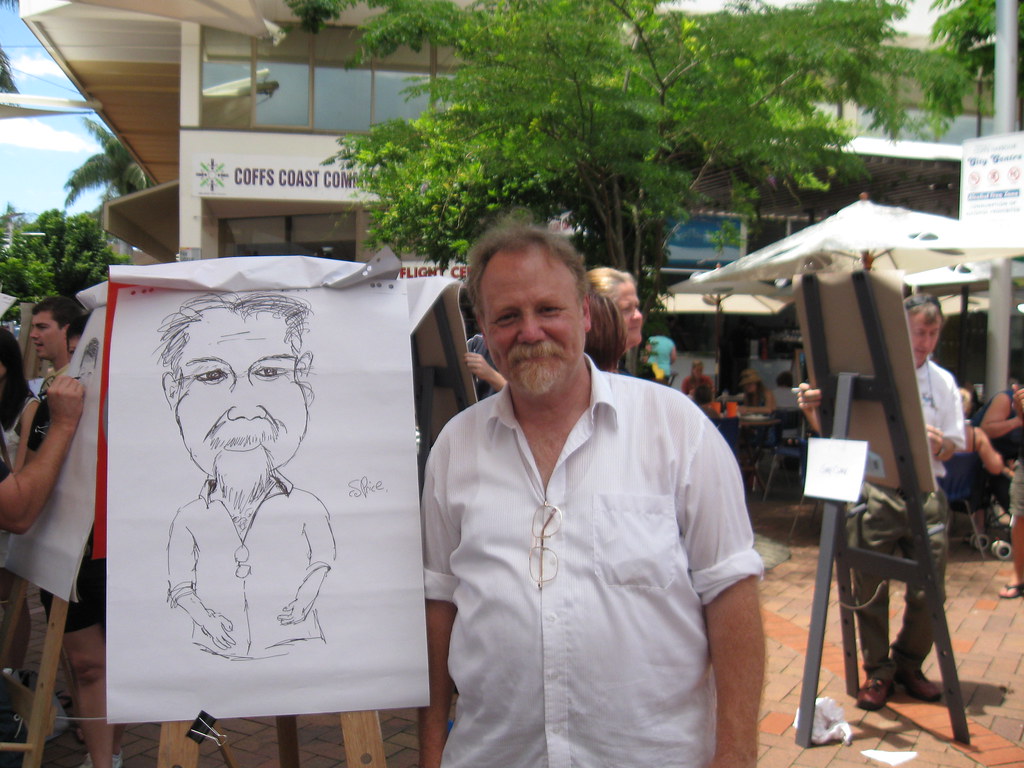
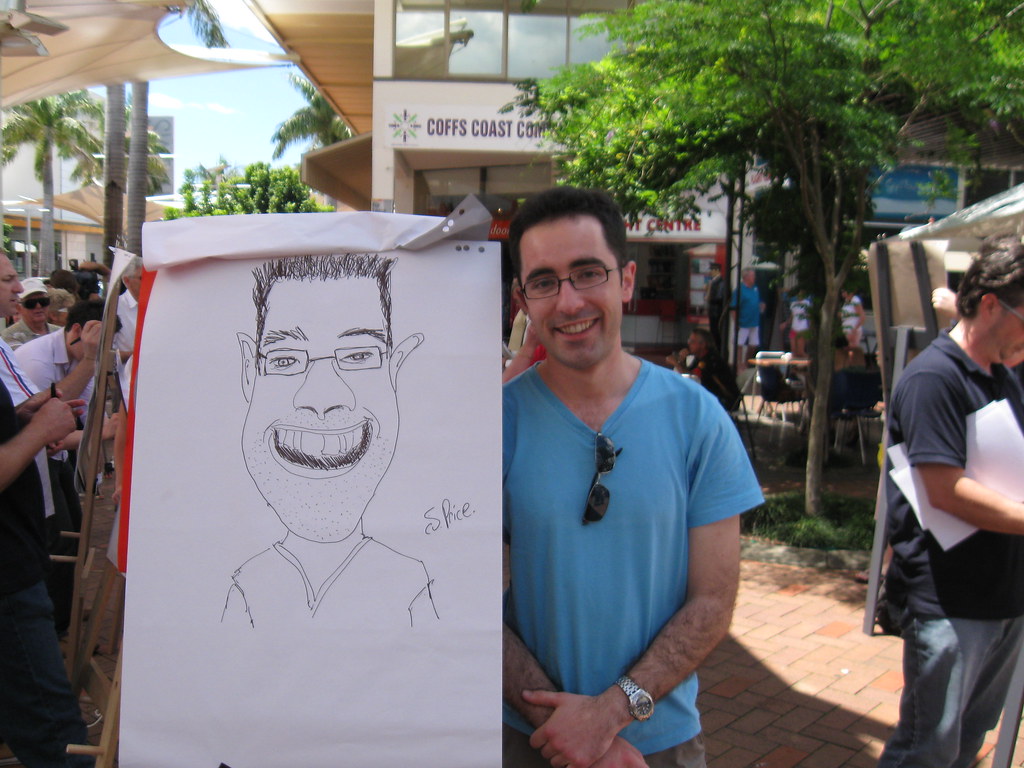
Street drawing in Coffs Harbour

Well, It’s been so long since I last blogged but now with Uni out of the way for the year (and if I passed, then forever) I plan to do some more cartooning and blogging.

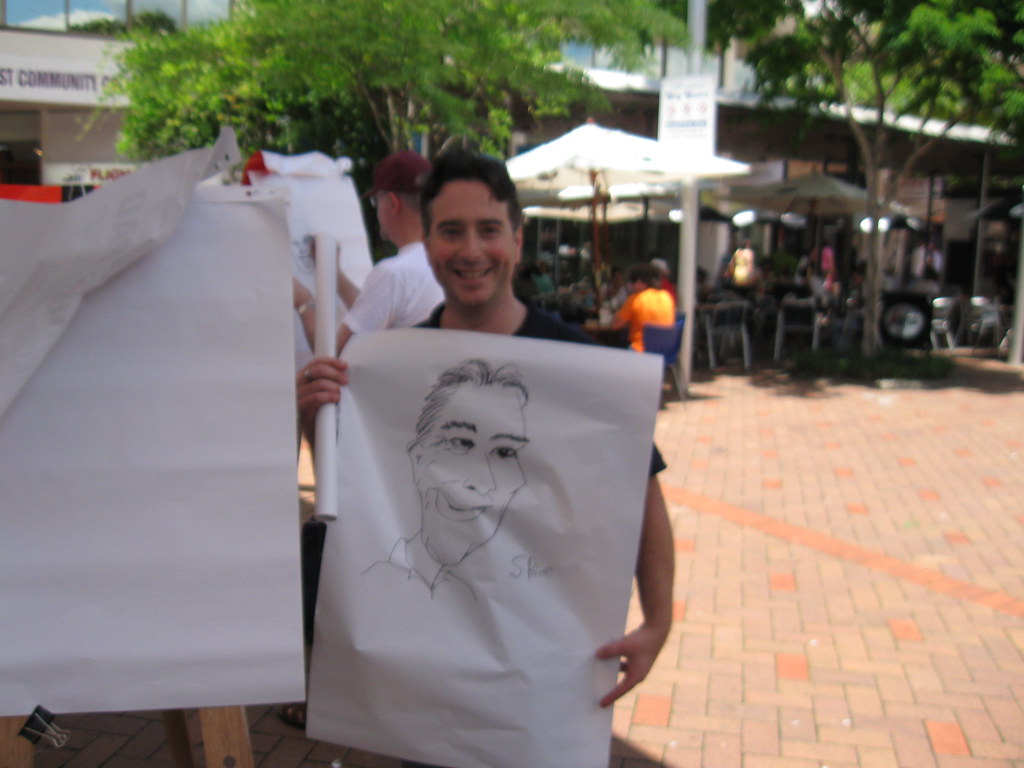
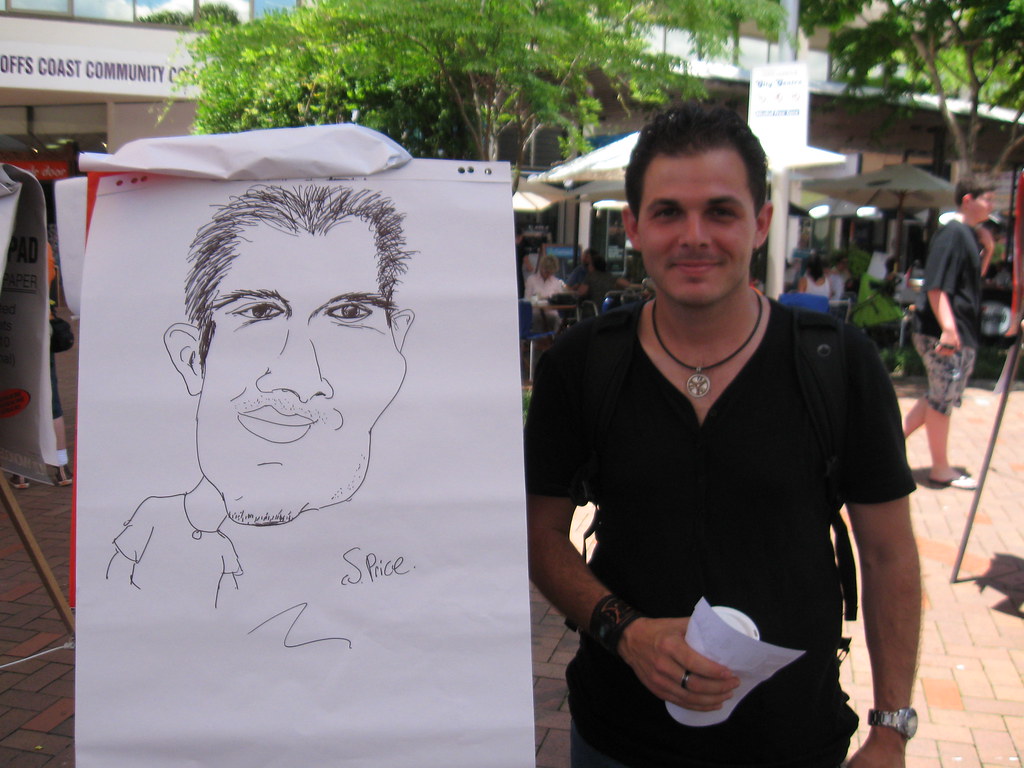
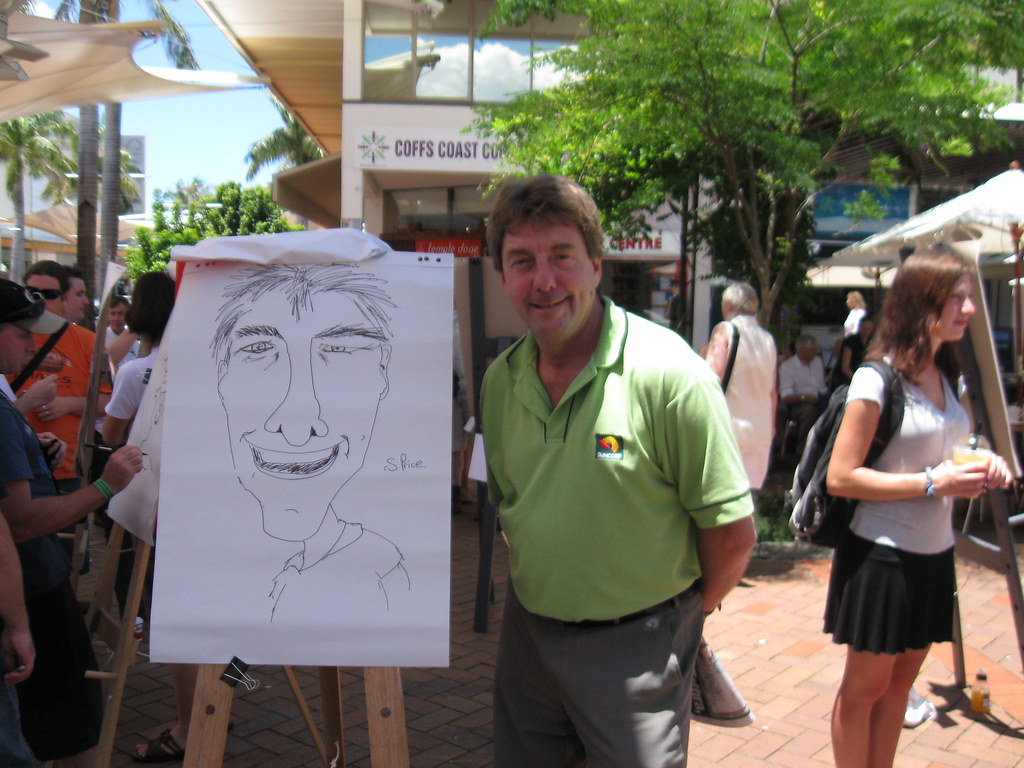
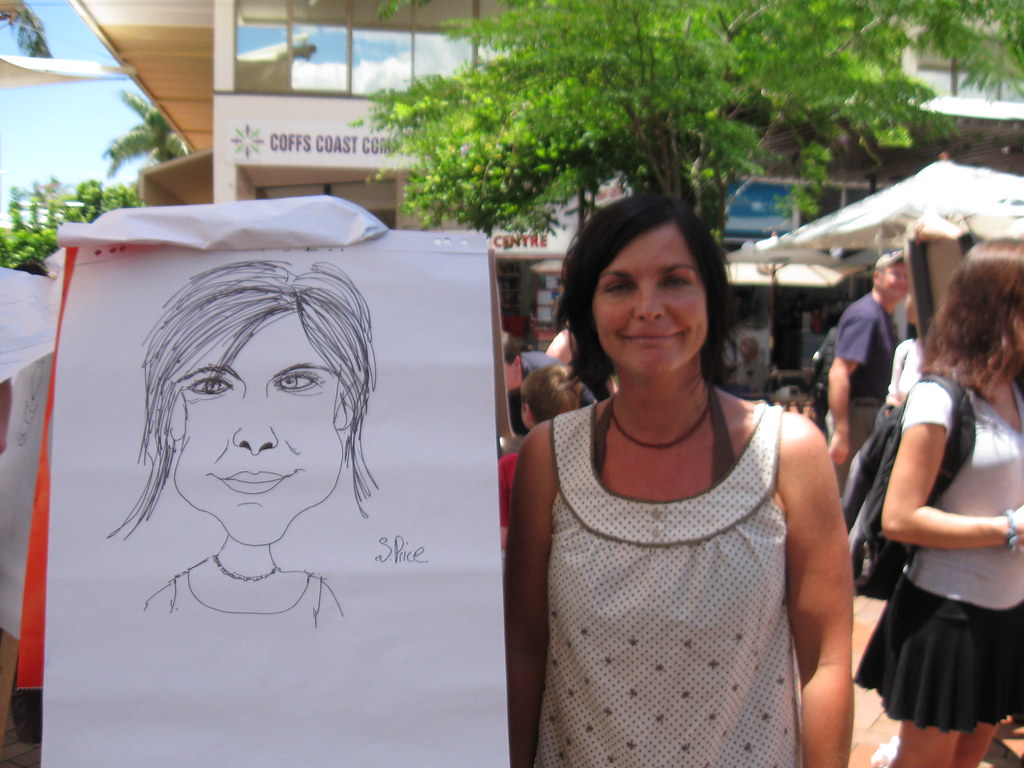
I just got back from a trip over east. I went to the Stanley Awards weekend (Australian Cartoonist Association thing) and had a ball. We did some street drawing in Coffs Harbour, a bus tour, a BBQ and of course the convention. Oh, a cocktail party at the Bunker Cartoon Gallery, and the Stanley’s Award dinner.

Here’s some of the poor people I drew in Coffs Harbour.  :)

Wednesday, May 14, 2008

Quokka in the news


Quokka in the news
Originally uploaded by Lyynx.
It would have been irresponsible for me to have drawn a cartoon like this one. So here it is...

Mud sticks...

Wednesday, April 23, 2008

LOLCode

LOLCode.com have posted a link to my latest cartoon. I've been busily drawing a new strip called Quokka.two for the Microsoft event Remix 08.

Seeing Nick Hodge is such a big LOLCODE (and LOLCAT) fan, it was a logical choice to do a LOLCODE cartoon. :)

For more info on LOLCODE and what it is, visit the site LOLCode.com.

See you all at the Melbourne Remix 08, May 22nd!

Thursday, April 03, 2008

Pens ready? Go.

http://www.nickhodge.com/blog/archives/2503

First post for the year and its April. Ok, I've been kind of busy. Not blogging and not reading blogs.
So what have I been up to? Working, studying and as of this week, back drawing some cartoons.

I'm on the look out for a new job at the moment as my contract ends in a couple of weeks. Loved doing the UI work and have decided that it's something I want to pursue. I've ordered a couple of design books and got myself a Silverlight book. New things to learn! Love my job. :)

I find myself somewhere in the middle of the Designer-Developer scale and I like it. It's not very crowded here so very nice.

Thursday, December 20, 2007

Monday, November 26, 2007

101 uses for a John Howard

Jon Kudelka's book 101 Uses for a John Howard is available from the website http://www.101usesforajohnhoward.com for $20. The perfect Christmas present for an ex-Prime Minister looking for a new job.

Go buy it!

Tuesday, November 13, 2007

Saturday, November 10, 2007

Thursday, November 08, 2007

Hosting problems

Have been having some hosting problems so I've decided to point my domain at my blog and post new cartoons there. Had some issues doing that so my site has been up and down but it seems to be ok now.

Am going to post some new cartoons, and some old ones. Hope you enjoy!

Monday, November 05, 2007


Easter bunny tricks...

Thursday, October 04, 2007

XamlPad

A cool little tool that comes in handy for UI development with WPF (Windows Presentation Foundation) is XamlPad.

When dealing with a large application, making small tweeks to UI can be time consuming, especially when you are not quite sure which tag or attribute to use. Compiling,running the application and then navigating to the correct part of the application to test a small change can take a long time.

Enter XamlPad. Its like notepad except it renders your XAML so you can see what your changes will do. It doesn't handle anything that needs to be compiled, such as code behind methods, but for layout it is brilliant.

There is also a button that enables the treeview of the XAML. I missed this on my first few uses of XAMPad but being able to see the tree that your XAML produces is great.


Wednesday, September 26, 2007

iHave iPod

My iPod touch arrived today so in the tradition of documenting the unwrapping, I took a few photos.
The box... quite small.

Nice box. Attractive. Can you feel the excitement???!


First glimpse... could it be? ... love at first sight?


Hungry iPod. It wants to be fed.


Her first feed. Pretty soon she'll be on solids.


Ok so I've had my new iPod for what... a few hours now. I've twittered on it. Surfed the web (the keyboard takes some getting used to but I don't see it being a real problem.) I've played a bit of a movie, a few songs and just generally looked around. I've copied a bunch of my cartoons onto it and am REALLY impressed with the photo album viewing. Flick the photo and it shoots off to the side and the next picture zooms on. Rotating the screen is impressive to watch too. Really nice feature, that auto screen rotate. I've got some podcasts on there too, and I've only used up about 3 or 4Gb out of the 16Gb.
I wasnt worried about the 16Gb size limit... its a big jump up from my 2Gb on my JasJam, and most of my songs are crap anyway. This will give me an opportunity to cull the crap ones and delete them.

The only downside I've seen so far is it gets covered with greasy fingerprints. It comes with a soft polish cloth, but no case. A case would have been useful but no doubt there will be iPod touch skins soon (if there isnt already). Bluetooth would have been nice for my headphones...

The verdict... I'm in love.

Tuesday, September 11, 2007

Pants WPF Error

http://blogs.charteris.com/blogs/patl/archive/2007/03.aspx

Thanks Patrick for the post.

<Style x:Key="DisplayOnly" TargetType="{x:Type TextBox}"   BasedOn="{StaticResource {x:Type Control}}">
  <Setter Property="Control.BorderThickness" Value="0,0,0,0" />
  <Setter Property="TextBox.IsReadOnly" Value="True" />
  <Setter Property="Control.Background" Value="Transparent"/>
</Style>
 
<Style x:Key="DateDueStyle" BasedOn="{StaticResource DisplayOnly}">
  <Setter Property="Control.Foreground" Value="Red"/>
  <Setter Property="Control.FontWeight" Value="Bold"/>
</Style>


Trying to base a style on another style, was giving me the rather cryptic error;
{"Cannot convert the value in attribute 'Style' to object of type 'System.Windows.Style'. Can only base on a Style with target type that is base type 'IFrameworkInputElement'. Error at object 'System.Windows.Controls.TextBox' in markup file 'xxx;xamlfile.xaml' Line 111 Position 47."}

I found Patrick's post (Linked top of this post) and initially was going to move the DisplayOnly style stuff into the local DateDueStyle style. But that wasn’t right, I wanted the DisplayOnly to remain where it was (It's in a different assembly and gets loaded into the ResourceDictionary).

Adding a TargetType fixed the problem. So it looks like the TargetStyle does not come down to your style when you use BasedOn. The real problem was that it wasnt set.


<Style x:Key="DateDueStyle" TargetType="{x:Type TextBox}" BasedOn="{StaticResource DisplayOnly}">
  <Setter Property="Control.Foreground" Value="Red"/>
  <Setter Property="Control.FontWeight" Value="Bold"/>
</Style>

Wednesday, August 22, 2007

I'm a Geek

It's Official. I'm on Geek Stories!

Nick did an interview while he was over here visiting in Perth and it came out pretty good.
http://on10.net/Blogs/nhodge/the-geek-stories-littlevoices-with-stephen-price/

Thanks Nick!!

Tuesday, August 21, 2007

WPF FlowDocuments

While messing around with FlowDocuments in a WPF app, I was trying to find a way to remove the nice reader controls. I think they are great, those controls come for free and allow you to zoom, change the page layout as well as search. I was after the ability to flow text around an image, but didn't want all the extra fruit.


Quite by accident I found that placing the FlowDocumentPageViewer inside a StackPanel removed the FlowDocument controls. I've not looked up any documentation to see if that is by design, but it works.

<Border CornerRadius="5,5,0,0" BorderThickness="2" BorderBrush="Blue" Visibility="Visible" Panel.ZIndex="0">


<StackPanel>


<FlowDocumentPageViewer>


image
<FlowDocument>


<Paragraph>


This is a richTextBox. I can


<Bold>Bold</Bold> ,


<Italic>Italicize</Italic> text


</Paragraph>


<Paragraph FontSize="10">


<Figure HorizontalAnchor="ContentLeft" VerticalAnchor="ContentTop" Width="100">


<BlockUIContainer Padding="0">


<Image Height="100" Width="100" Source="Bear3.jpg" />


</BlockUIContainer>


<Paragraph Foreground="Blue" FontFamily="Consolas">


The Bear</Paragraph>


</Figure>


The quick brown fox jumps over the lazy dog. This FlowDocument with sample


content, and provides controls to toggle the IsHyphenationEnabled and IsOptimalParagraphEnabled


properties and view the resulting layout changes in real time. The sample also includes controls


for toggling the IsColumnWidthFlexible property, and adjusting the ColumnWidth and ColumnGap properties.


This sample demonstrates a specific feature of the Windows Presentation Foundation (WPF) and, consequently, does not follow


application development best practices. For comprehensive coverage of Windows Presentation


Foundation (WPF) and Microsoft .NET Framework application development best practices, refer to the following as appropriate:


</Paragraph>


</FlowDocument>


</FlowDocumentPageViewer>


</StackPanel>


</
Border>


If you actually want the controls remove the StackPanel (you can use a Grid instead) and this is how it would look.


Thursday, August 16, 2007

Quokka Kiev

4 boneless quokka steaks
4 tablespoons butter, softened
1 tablespoon chopped fresh parsley
1 tablespoon chopped fresh chives
1/4 teaspoon white pepper, or black pepper
1/4 teaspoon salt
1/4 cup flour
1 egg, beaten with 2 teaspoons water
1/2 cup fine dry bread crumbs


Blend the softened butter with parsley, chives, pepper, and salt. Divide into 4 portions and chill until firm.
Flatten each Quokka steak to about 1/4-inch thickness by pounding each between wax paper or plastic wrap. Place a portion of the chilled butter mixture in the centre of each flattened quokka medallion. Roll each to completely enclose the butter. Dust each roll in flour then dip in beaten egg and water. Roll in bread crumbs then place in lightly greased baking dish. Cover and bake at 350°F (175°C) oven for 45 minutes. Uncover and bake 15 minutes longer.
Quokka Kiev serves 4.


Stupid person disclaimer: This is a joke. Substitute the above animal for a different equally helpless animal that isn't protected by the law. Say a chicken or maybe one of those ducks that always seems to be watching you where ever you go. Heck its even encouraged to be cruel to those animals just because it has the unfortunate bad luck to be born into a short life of slavery, and farming of its unborn children, followed up by a short brutal meaningless death. The ducks have it better than the chickens so pick on them. Hopefully that will stop them stalking me.

Tuesday, August 14, 2007

WPF expanders and error providers

Task: Add a red error box around a textbox when it fails validation.

Problem: Expanders in WPF hide the contents making them not visible when collapsed. The AdornedElementPlaceholder is rendered on its own layer that is NOT contained within the Expander. This means when you collapse the expander while you have any kind of error shown (even if you customise etc) then the textbox disappears and the error does not.

Workaround: The best I could do was use my own ControlTemplate, hide the AdornedElementPlaceholder within a DockPanel and then use a trigger to change the textbox's border to red, indicating an error. Because I'm changing the actual textbox there is no problems with it being hidden when required by the expander.

Update: Originally I posted XAML here but blogger thought it was html so will have to figure out how to post XAML. doh!
There was a code post converter somewhere... hmmm that might do the trick

Of course if anyone has a better solution (some way to bind the Visibility of the dockpanel to the IsVisible of the textbox for example? Tried it... wouldnt bind, different parents?) please let me know.